






Keyword Ranking Google: Free Tools to Track Your Position
Why Tracking Your Google Rankings Matters
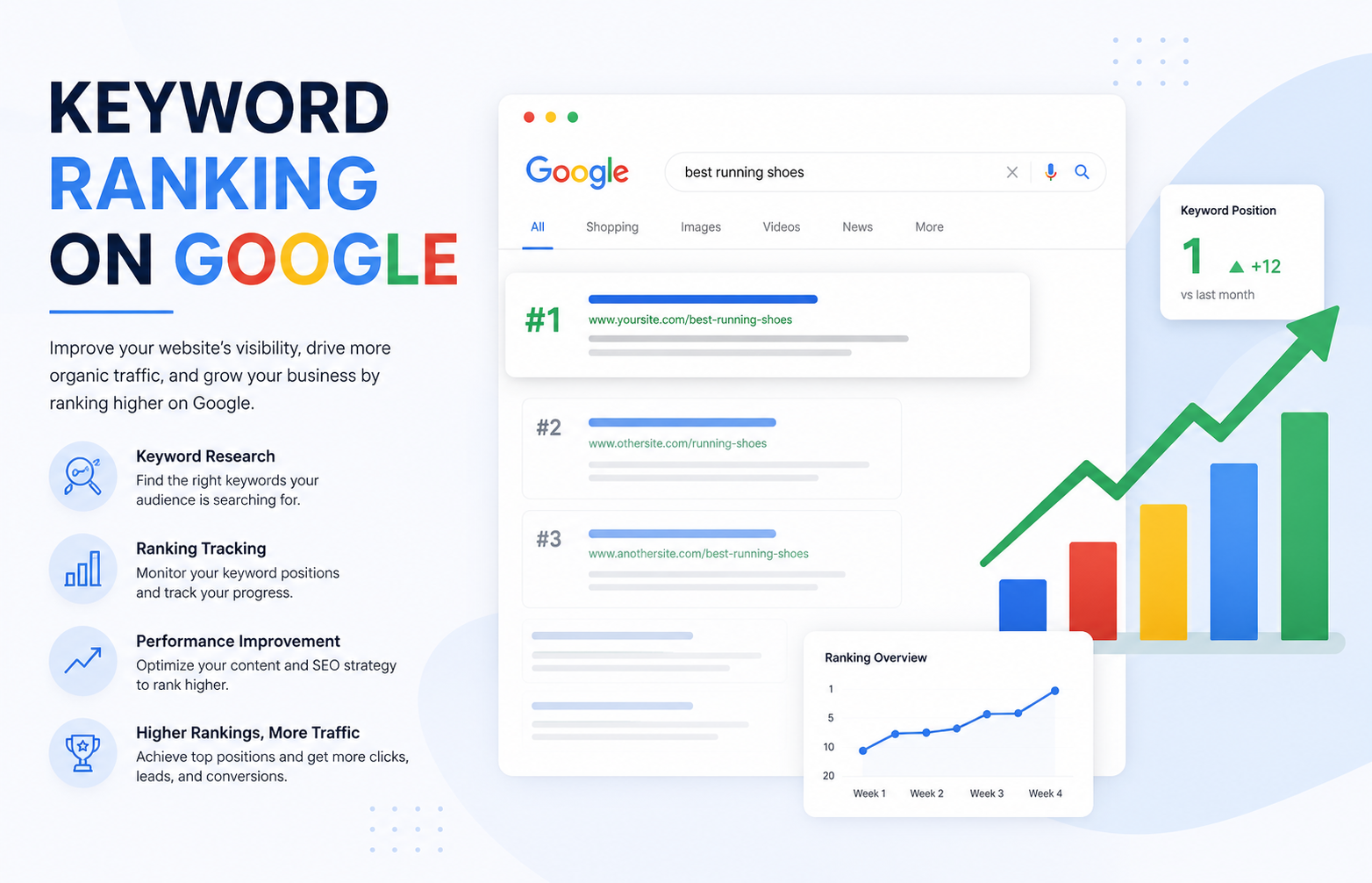
Monitoring keyword rankings helps you measure SEO performance, understand competitors, spot trends early, and prove ROI by connecting positions to traffic, conversions, and revenue . Google rankings also inform content strategy, reveal gaps, and help prioritise which keywords to defend or improve.
Free Tools to Track Your Keyword Ranking Google
Google Search Console — The Most Accurate Free Option
Search Console provides actual Google search data, not estimates, making it the most reliable free tool for tracking rankings .
How to enable ranking data:
-
Log into GSC and go to Performance > Search Results
-
Click the “Average position” option above the graph to enable ranking data
-
View the Queries section to see search terms driving traffic
Features and tips:
-
Filter out branded search: Add a filter for “Top queries” → “Does not contain” → your brand name to see true organic visibility
-
Limit reports by URL: Add a “Page” filter to analyse specific pages or sections
-
Export to Google Sheets: Use the “Search Analytics for Sheets” workspace app to export data including which URL ranks for each query
-
Data limitation: GSC stores only 16 months of historical data, so export regularly
FatRank — Simple Browser Extension
FatRank is a free, lightweight in-browser rank checker that works within Google Chrome . Simply visit any website, click the extension icon, type your keyword, and it will instantly return the Google ranking position and which URL ranks .
Features:
-
Searches down to a ranking depth of 100 results
-
Stores keyword checks in session history
-
Exports results as CSV reports
-
Uses your local Google search settings—set location to your country for consistent results
Limitations: If you run too many searches in a short period, Google may temporarily block results—wait and try again later .
SerpBear — Open-Source Self-Hosted Rank Tracker
SerpBear is a free, open-source search engine position tracking app that offers significant flexibility . It allows you to add unlimited domains and keywords, and tracks positions in Google SERPs with email notifications on position changes .
Key features:
-
Built-in SERP API for custom reporting
-
Keyword research capabilities (auto-generates keyword ideas from your site)
-
Google Search Console integration to show actual visits, impressions, and click data for each keyword
-
Can be deployed on free hosting platforms like Fly.io or mogenius.com
-
Progressive Web App (PWA) for mobile use
Requirements: Uses third-party scraping services (ScrapingAnt, SerpApi) or proxy IPs to fetch Google search results .
All-In-One Free SEO Tool — Comprehensive Open Source
For users seeking a full-featured self-hosted solution, the All-In-One Free SEO Tool (MIT license) includes rank tracking alongside 150+ other SEO capabilities . It uses headless Chromium browsers to scrape Google for SERPs, autocomplete suggestions, and rank checks—no paid API keys required .
Rank tracking features:
-
Plays well with 1-25 client websites on a $5/month VPS
-
Stores data in a single SQLite database
-
All data stored locally—privacy-first, no telemetry
Google Keyword Planner — For Basic Keyword Insights
Originally built for Google Ads advertisers, Keyword Planner can generate hundreds of keyword ideas from a seed term . It provides rough monthly search volume ranges (e.g., “1K–10K”) and competition ratings .
Limitations: The competition metric reflects ad competition, not organic ranking difficulty. Search volumes are shown in ranges rather than specific numbers, making prioritisation harder .
How to Track Rankings Without Third-Party Tools
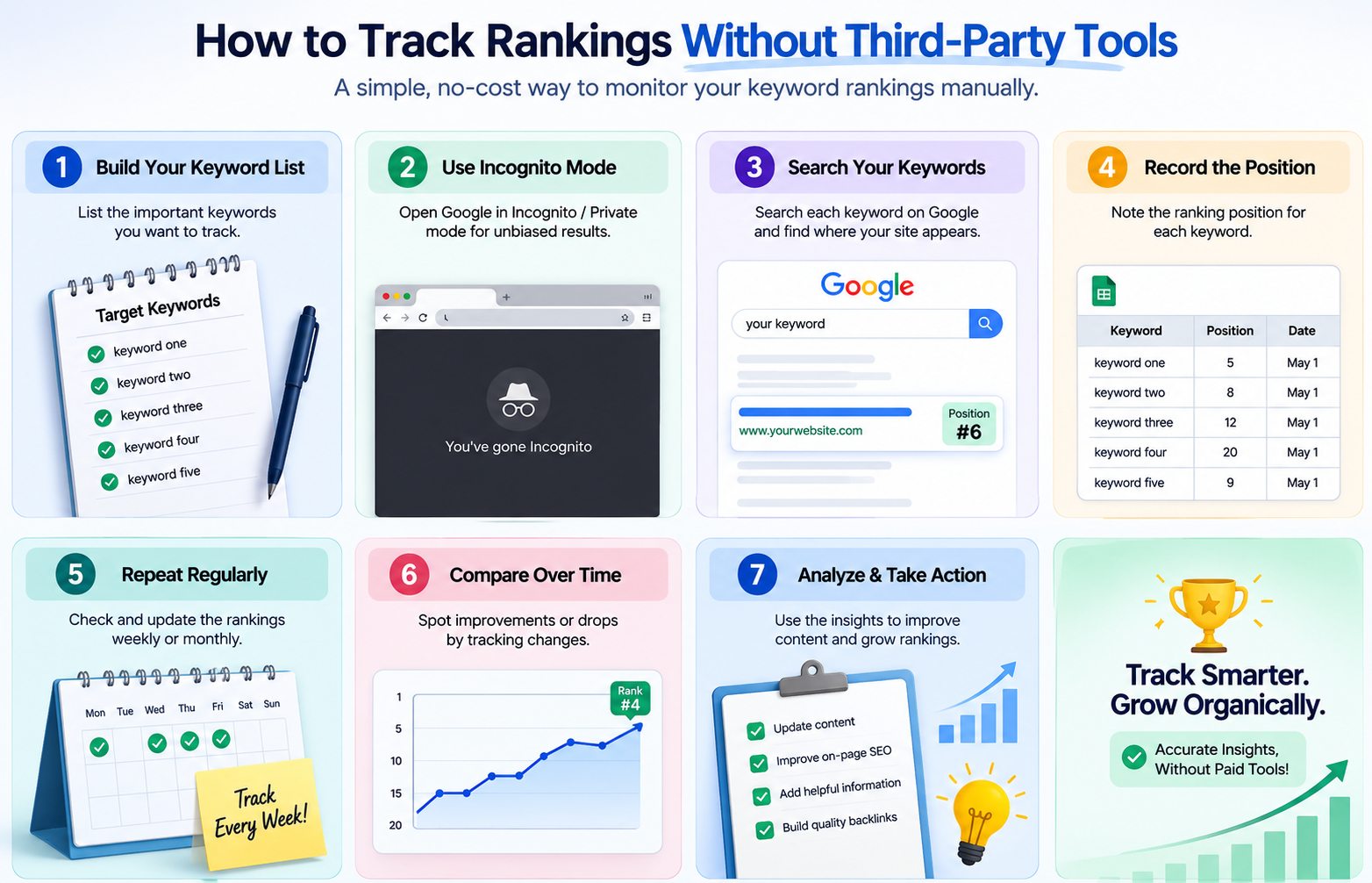
If you prefer manual tracking, remember that Google’s search results are dynamic and personalised—every searcher sees slightly different results . To get consistent data, use Search Console’s average position metric as your benchmark.
Pro tip: Set your location to your target country in Google Search settings for more consistent results.
Common Mistakes When Tracking Google Rankings
| Mistake | Why It Hurts | Fix |
|---|---|---|
| Relying only on manual searches | Personalised results give inaccurate data | Use Search Console as primary source |
| Ignoring branded search filters | Distorts true organic visibility | Filter out brand queries in GSC |
| Not exporting data | GSC only stores 16 months | Set monthly exports to Google Sheets |
Conclusion
Tracking your keyword ranking Google doesn’t require an expensive subscription. For most users, Google Search Console provides the most accurate, first-party data. A search engine keyword position tool can complement GSC by making it easier to monitor rankings and identify changes over time. For those needing additional features, browser extensions like FatRank offer quick checks, while open-source self-hosted solutions like SerpBear or the All-In-One SEO Tool give you unlimited tracking power with no monthly fees. The best approach combines GSC for accuracy, a rank tracker for convenience, and regular exports to preserve long-term data.
Want expert guidance on tracking keyword rankings and turning insights into organic growth—without the monthly subscription fees?
Get in touch with Orbitix today.